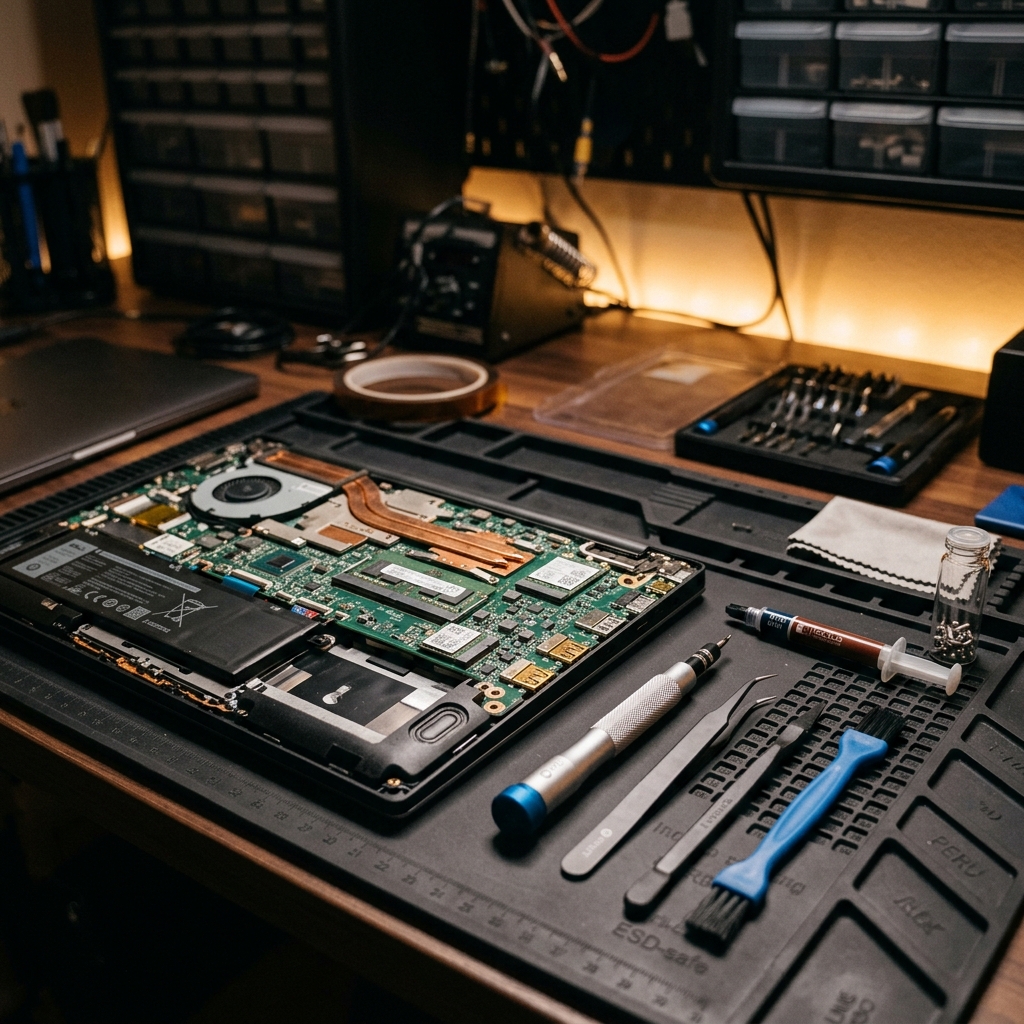
Dust build-up inside your laptop acts as an insulating blanket, causing the cooling fans to run louder and CPU speeds to drop. Cleaning your laptop internals once a year is crucial. This step-by-step guide explains how to safely open your laptop back panel, discharge static electricity, blow out fan dust, and clean keycaps without causing electrical damage.
Published: August 4, 2026
 Book Repair Service
Step-by-Step Guide to Safely Cleaning Your Laptop's Fan and Keyboard
Author: Super Admin
|
Category: Guides & Tips
Need repair support or diagnostics?
Our local technicians can troubleshoot your laptop problems.